← Home All Mobile Robotics

AGV Voice Alarm Box SPK-5-24 · 485 / 232 / CAN

ไทย

Choose your model and how your unit is commanded

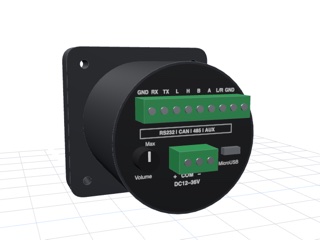
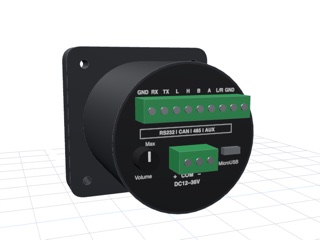
The sound box comes in 4 models by control method, all in the same housing. Check the model code on the rear label then pick a page in that model's group

The RS485 and RS232 models speak two languages, but each unit speaks only one — Picking the wrong one produces total silence with no error at all It looks exactly like a broken cable or no power. Try the other page before you rewire anything
Load audio all models
Load audio into the box
Load audio into the boxAll models · via Micro USB
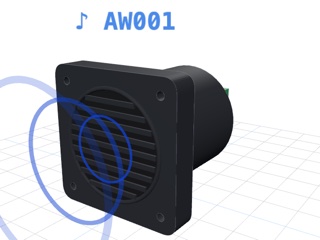
Power the box off, plug its Micro USB into a computer, then put MP3 / WAV files into folders AW001–AW255 · Use Chrome or Edge on a computer
RS485 model SPK-5-24-485
Modbus RTUThe model we sell
Modbus RTU · CRC16 · has a read command · Pick this if you bought from us
Vendor protocolFactory default
Vendor protocol · XOR check · no read command
RS232 model SPK-5-24-232
Modbus RTUon request when ordering
Modbus RTU · CRC16 · values can be read back
Vendor protocolFactory default
Vendor protocol · XOR check · no read command
CAN model SPK-5-24-CAN
CAN busFactory default
CAN 2.0A/B · 500 kbps · send ID 200, reply ID 201 · needs an slcan USB-CAN adapter
I/O model SPK-5-24-IO

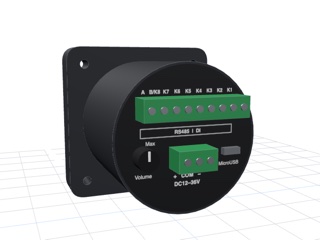
is driven by the K1–K8 inputs and has no communication port, so there is no test page for it
Load audio files into the box from this website

If you bought from us, start with Modbus RTU first. If it stays silent, try the other page
485 and 232 models use 9600 8N1 · the CAN model uses 500 kbps · all models run on 12–36 V
View product in the shop